
Display Subsystem Architecture for Industrial HMI Systems
·Senvita Display Engineering
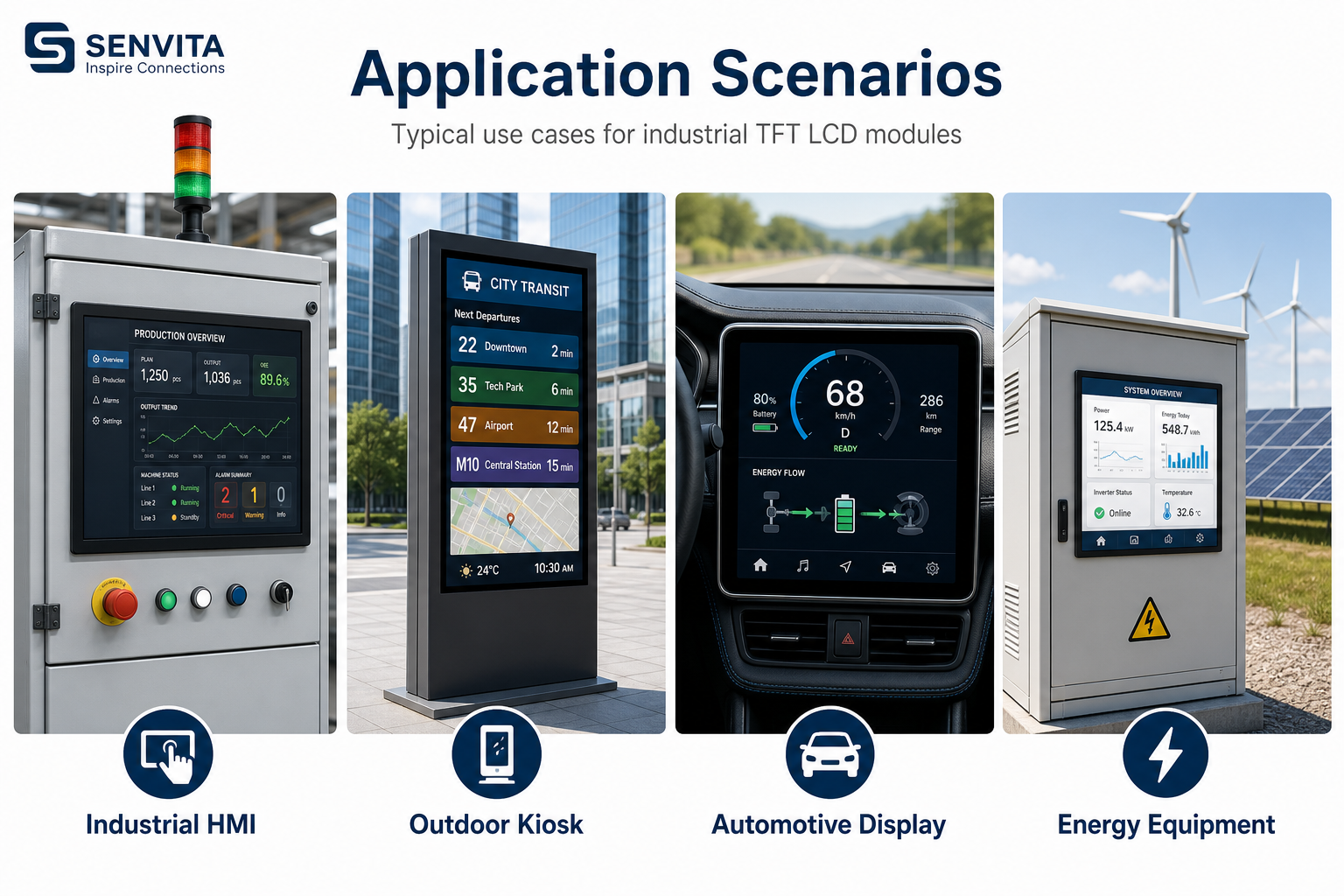
Display subsystem architecture defines how the TFT LCD module, video interface, touch layer, backlight, power rails, and mechanical integration work together as a single HMI block—not as isolated components on a BOM line.
In industrial equipment, a display failure is rarely “just a bad panel.” It is usually a system interaction problem across timing, power sequencing, cable routing, grounding, thermal margin, or firmware configuration. This pillar guide explains the engineering structure behind reliable industrial HMI display subsystems and how to design them for production consistency.
What Is Display Subsystem Architecture?
Display subsystem architecture is the system-level blueprint for an industrial HMI visual stack. It covers:
- Host processing — MCU, MPU, FPGA, or SoC that generates UI frames
- Display bridge / timing IC — converts host output to panel-native LVDS, MIPI DSI, RGB, or eDP
- Physical interface — FFC/FPC, board-to-board connector, cable harness, and length constraints
- TFT LCD module — panel, timing controller (TCON), and optional cover lens
- Touch controller — I²C/SPI/UART stack, noise filtering, and firmware calibration
- Backlight power stage — LED strings, driver IC, dimming, and thermal path
- Power & sequencing — PMIC rails, enable order, inrush, and brown-out behavior
- EMC boundary — filtering, shielding, ground reference, and cable classification
Before locking the architecture, review industrial TFT LCD selection criteria together with LVDS vs MIPI interface tradeoffs—interface choice constrains the entire subsystem layout.
Reference Architecture: Industrial HMI Display Stack
A typical industrial HMI display subsystem can be modeled in five functional layers:
- Application layer — UI runtime, graphics pipeline, touch event handling
- Host interface layer — SoC display output (RGB/LVDS/MIPI/eDP) or FPGA fabric
- Interconnect layer — PCB routing, flex, harness, connector, and ESD protection
- Module layer — TFT cell, TCON, touch sensor, optical stack
- Power & thermal layer — PMIC, backlight driver, heat spreader, enclosure airflow
Design reviews should walk each layer with a problem → cause → mitigation checklist rather than validating the panel datasheet alone.
Signal Chain Engineering
Host to panel video path
The video signal chain sets bandwidth, latency, and EMI exposure. Key engineering checks:
- Match output format to panel input (single/dual LVDS, MIPI lane count, color depth)
- Verify pixel clock, porch, and sync polarity against panel timing spec
- Limit cable length and crossing of power/noise sources (see LVDS vs MIPI for industrial cable lengths)
- Route differential pairs with controlled impedance and continuous return path
- Add series damping or common-mode choke only when measurement proves benefit—avoid “EMI parts shopping” without data
Touch and display coexistence
Projected capacitive touch shares the mechanical stack and often the same power domain as the display. Noise from PWM dimming, DC-DC switching, or motor drives can appear as ghost touches or baseline drift. Architecturally, separate:
- Touch analog front-end ground from high di/dt power return where feasible
- Touch I²C/SPI from parallel RGB/LVDS harness when using long cables
- Display refresh and touch scan timing in firmware to avoid beat-frequency artifacts (flicker analysis guide)
Power Architecture and PMIC Integration
Industrial display subsystems typically require multiple rails:
| Rail | Typical function | Design note |
|---|---|---|
| 3.3 V / 1.8 V logic | TCON, touch IC, level shifters | Low noise, stable under sleep/wake |
| AVDD / VGH / VGL | Panel bias (sometimes integrated in module) | Follow panel vendor sequencing strictly |
| LED+ / backlight drive | Constant-current LED strings | Dimming method affects EMI and flicker |
| Input bulk | 12 V / 24 V industrial input | Hold-up, reverse polarity, surge tolerance |
PMIC selection, rail sequencing, and protection are upstream supply-chain decisions. For the power domain of this subsystem, industrial HMI architecture and IC supply chain ecosystem resources help align embedded system component sourcing with display load profiles early—before the first PCB spin.
Backlight driver behavior directly couples to visual stability; see backlight design for industrial TFT LCD for LED topology and dimming tradeoffs.
EMI Boundaries in Display Subsystems
EMI is a subsystem property, not a module sticker. Common architecture-level failure modes:
- Problem: Image tearing or horizontal bands → Cause: ground bounce on video return → Fix: star ground, shorten harness, improve connector shield
- Problem: Touch false triggers near VFD/motor → Cause: conducted/radiated coupling → Fix: filtered touch power, firmware debounce, cable separation
- Problem: Backlight PWM beat in camera/operator vision → Cause: dimming frequency vs refresh → Fix: adjust PWM base, hybrid dimming, analog dimming zone
For field diagnosis workflows, use the dedicated EMI troubleshooting guide and flicker root-cause analysis articles in this cluster.
Mechanical, Thermal, and Environmental Integration
Architecture extends into the enclosure:
- Metal bezel/frame as heat spreader for high-brightness modules (wide-temperature operating requirements)
- Optical stack (air gap vs optical bonding) affects contrast in outdoor HMIs
- Vibration-rated connectors and strain relief for rail, vehicle, and machine-tool installs
- Serviceability: module replacement without recalibrating entire machine
Design Validation Checklist
Before NPI sign-off, validate the subsystem, not only the LCD sample:
- Power-on/off sequencing × 500 cycles — no brown-out artifacts
- Full brightness sweep — measure flicker and conducted emissions
- Touch performance under motor/VFD operation
- Cold start at minimum operating temperature
- Long-run soak at max ambient + max brightness
- Connector retention and flex fatigue per install axis
When to Engage Senvita for Subsystem Support
Senvita supplies industrial TFT LCD and HMI display modules with engineering support on interface matching, custom backlight, wide-temperature options, and production consistency. Share your host platform, cable length, input voltage, brightness target, and EMC class when requesting an RFQ—we align module design to your subsystem architecture rather than shipping a generic panel spec.
Related deep dives: LVDS vs MIPI, TFT LCD selection, backlight design, EMI troubleshooting.