
LCD Flicker & EMI Troubleshooting Guide for Industrial Displays
·Senvita Display Engineering
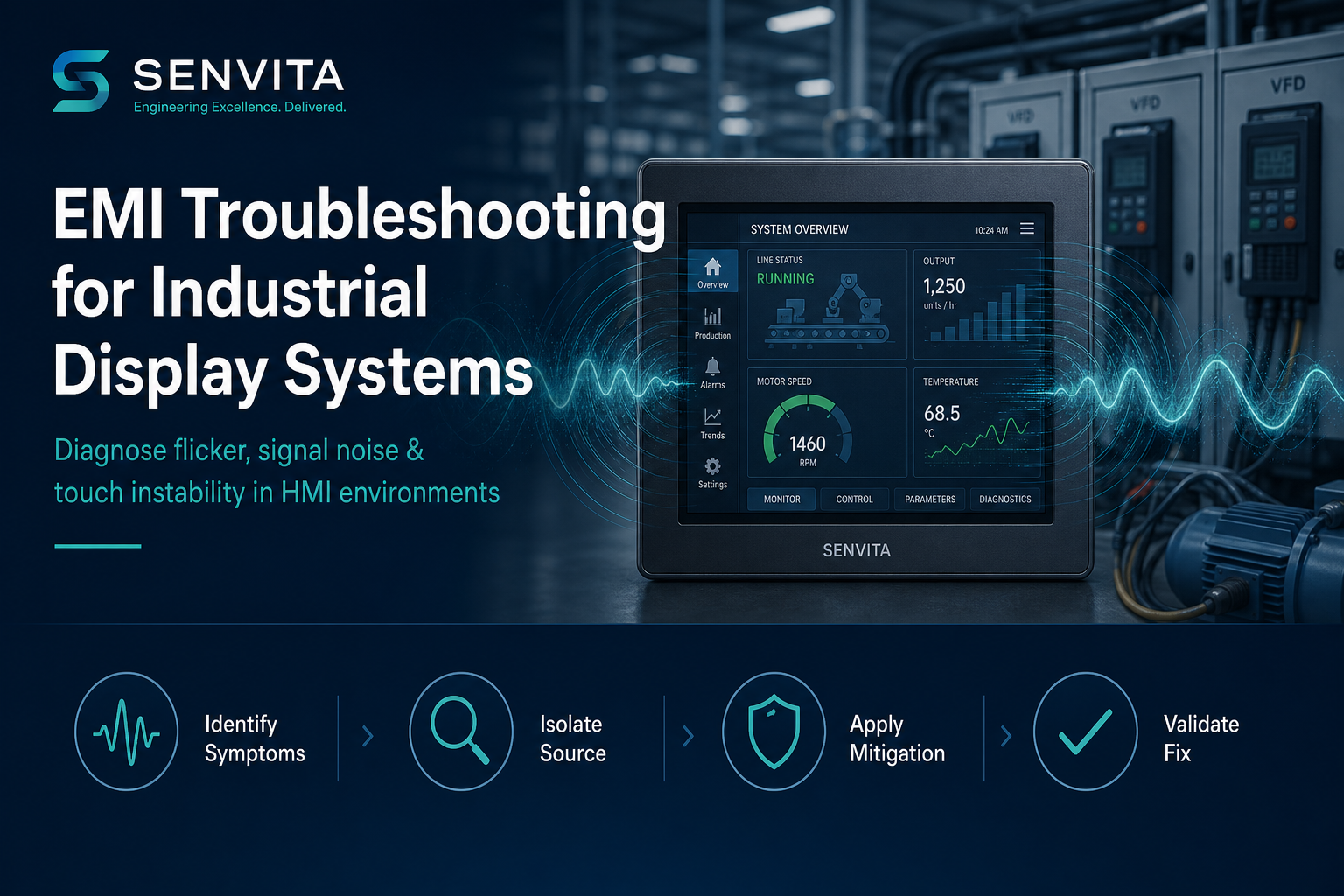
Display flicker and EMI are the two most misdiagnosed failure modes in industrial TFT LCD and HMI systems. Field teams often replace panels, cables, or touch controllers while the root cause remains in power design, grounding, dimming strategy, or host timing.
This pillar guide provides a structured problem → cause → solution framework for troubleshooting unstable industrial displays—and routes you to focused engineering deep dives on flicker analysis and EMI troubleshooting.
For upstream semiconductor and reference-design context, see the shijiaic.com Engineering Hub article on EMC and cable design for panel-mounted HMI.
What Are Flicker and EMI in Industrial Displays?
Flicker is visible or measurable periodic luminance change on the display surface, often linked to PWM dimming, refresh beat frequencies, panel timing errors, or unstable backlight current.
EMI (electromagnetic interference) is energy from switching power, motor drives, wireless systems, or poor grounding that couples into the display video path, touch analog front-end, or backlight driver—causing artifacts, resets, or false touches.
Both phenomena share the same system boundary: the display subsystem power and signal return network.
Symptom Taxonomy: Start With Observable Behavior
| Observable symptom | Likely domain | First measurement |
|---|---|---|
| Whole-screen brightness pulsing at fixed rate | Backlight PWM / power ripple | Oscilloscope on LED current; camera rolling band test |
| Horizontal bands scrolling vertically | Ground noise / LVDS-MIPI return path | Probe video pair common-mode; check harness routing |
| Random snow or line artifacts | Signal integrity / connector | Eye diagram or BER; reseat FFC, inspect impedance |
| Touch drift or ghost points near VFD | Conducted EMI on touch IC | Near-field sniff; filtered touch supply A/B test |
| Flicker only at certain brightness levels | Hybrid dimming transition | Sweep PWM duty 0–100%; log frequency vs amplitude |
| Image OK in lab, fails on factory floor | Environmental EMI source | Compare spectrum with production equipment on/off |
Structured Troubleshooting Workflow
Step 1 — Reproduce and bound the fault
- Document brightness level, input voltage, temperature, and nearby equipment (VFD, relay, Wi-Fi, RFID)
- Determine if fault is on video, touch, backlight, or all three
- Capture photo/video—flicker frequency often identifies PWM vs refresh beat instantly
Step 2 — Separate subsystem domains
Power-off isolation tests:
- Backlight-only test — force full-white pattern; if flicker remains, suspect LED driver/PWM (backlight design guide)
- Video-only test — static image, fixed backlight; bands or snow point to interface (LVDS vs MIPI architecture)
- Touch-only test — display static, log touch baseline with motor on/off
Step 3 — Measure, do not guess
- LED current ripple at multiple dimming points
- Conducted emissions on input power (compare with EMC limit pre-scans)
- Ground voltage difference between host, panel metal, and chassis
- MIPI/LVDS common-mode noise on cable near vs far from source
Step 4 — Apply targeted fixes
Use this decision matrix:
- Problem: PWM flicker at mid brightness → Cause: low-frequency PWM → Solution: raise PWM base (>1 kHz industrial target), add analog dimming zone, or DC dimming at high brightness
- Problem: EMI bands during motor run → Cause: shared return path → Solution: star ground, ferrite on harness (validated), move display cable away from power trunk
- Problem: MIPI errors at cold temp → Cause: timing margin → Solution: adjust drive strength, review wide-temperature design
- Problem: Touch false triggers → Cause: noise on I²C/AFE → Solution: dedicated LDO, shielded flex, firmware filtering
Power Domain: Upstream Root Cause
Many flicker tickets trace to backlight supply design rather than the LCD glass. LED backlight power budgeting and embedded system component sourcing for PMIC/DC-DC stages should be reviewed when ripple exceeds ~5–10% of LED current at the operating dimming point.
Display subsystem architecture context: TFT LCD selection and power rail planning must be co-designed—see the system-level display subsystem architecture guide.
Prevention During Design (Not After Field Failure)
- Define maximum cable length and connector class in architecture phase
- Simulate or measure dimming strategy before UI brightness curves are frozen
- Include VFD/motor on during EMC pre-compliance, not only in anechoic lab
- Document grounding diagram—every display project needs a single reference drawing
- Qualify second-source panel with identical timing and touch tuning—not just “same resolution”
Deep-Dive Articles in This Cluster
- Flicker Analysis for Industrial TFT LCD — measurement methods, PWM beat, refresh interaction
- EMI Troubleshooting for Industrial Display Systems — source isolation, filtering, validation
- Backlight Design — driver selection and thermal coupling
- LVDS vs MIPI — interface-specific noise behavior
RFQ: When Hardware Changes Are Required
If troubleshooting confirms panel-level limits (insufficient brightness headroom, marginal wide-temp TCON, or incompatible interface), contact Senvita with your measurement data, fault video, schematic snippets, and target environment. Engineering RFQs with scope definition resolve faster than “display flickers sometimes” tickets.