
Touch Controller Integration in Industrial HMI
Part of: Display Subsystem Architecture for HMI
·Senvita Display Engineering
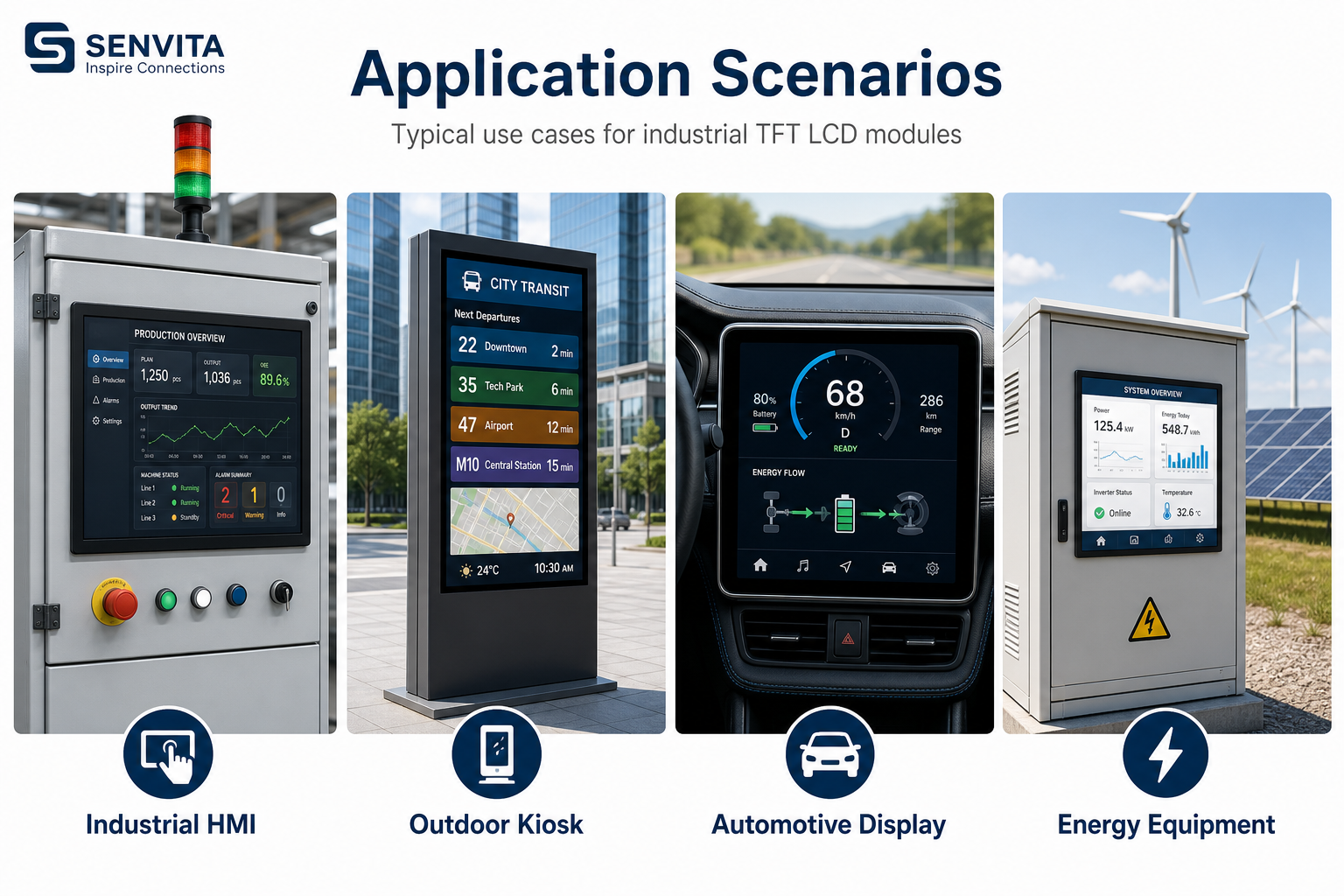
Touch integration fails when the electrical environment is treated as an afterthought. In industrial HMI, the controller must survive cable noise, ESD events, ground offsets, moisture, gloves, and long service life without corrupting coordinates. For the larger subsystem view, see Display Subsystem Architecture.
Definition
A touch controller converts capacitive or resistive sensing into coordinate events, then exposes them through I2C, SPI, USB, or a proprietary interface. In industrial systems, the controller is only one part of the chain; sensor stack-up, cover lens thickness, cable routing, and firmware filtering are equally important. The design goal is stable touch reporting under interference, not just accurate lab calibration.
- Define the sensor technology first: projected capacitive, resistive, or hybrid.
- Budget for filtering, debounce, and gesture latency before tuning the UI.
- Plan the wiring path so the touch cable does not run parallel to high-noise backlight or motor traces.
Problem: The panel registers phantom touches near the edge.
Cause: Common-mode noise, poor shielding, or an aggressive threshold setting can make the controller interpret transient coupling as real contact.
Solution: Adjust the noise filter window, improve grounding, and separate touch routing from switching power paths.
Problem: Coordinates drift after cover glass or glove mode changes.
Cause: The sensor calibration no longer matches the changed dielectric stack-up and effective coupling area.
Solution: Recalibrate after final mechanical stack assembly and store per-mode compensation tables if the controller supports them.
Selection guidance with field-oriented considerations is available here: touch controller selection for industrial panels.
Validation
Validation should reproduce the actual operating envelope, not only bench conditions. Test with gloves, water droplets, conductive noise sources, and different ambient temperatures if the product will ship into uncontrolled environments.
- Measure touch latency from physical contact to reported event under normal and stressed CPU load.
- Run ESD and EFT checks while verifying that the controller recovers without lockup.
- Record coordinate linearity across the full active area, including corners and edges.
- Confirm that suspend and resume preserve calibration and do not generate stuck-touch states.
Related engineering notes: Industrial TFT LCD Connector Pinout Guide, MCU vs FPGA Display Interface Architecture, EDID and EEPROM Configuration for Display Modules.