
Resistive vs Capacitive Touch Selection for Industrial HMI
Part of: Industrial TFT LCD Selection Guide
·Senvita Display Engineering
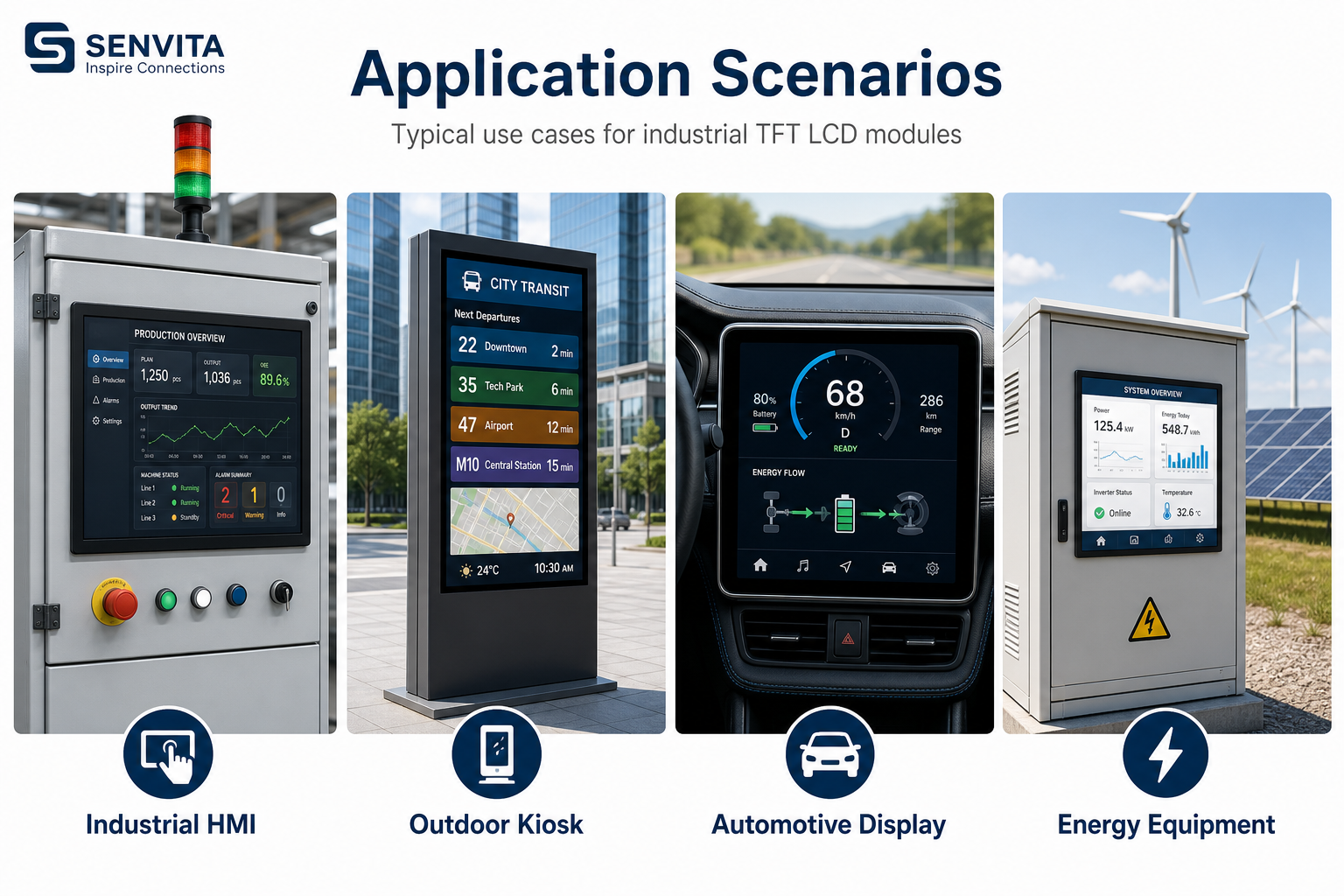
Touch selection in industrial HMIs is a task-based decision. Resistive touch can tolerate gloves, stylus input, and some contamination, while capacitive touch supports multi-touch, lighter force, and better glass integration. The correct choice depends on the operator environment, not on consumer-device habits.
Definition and selection boundary
Resistive touch senses pressure through two conductive layers, so it works even when the user wears thick gloves or uses a hard tool. Capacitive touch senses changes in the electric field, which enables glass-front interfaces and multi-touch, but it requires a cleaner signal environment and a controller tuned for the real overlay stack.
- Choose resistive when gloves, grease, or low-cost serviceability are the main constraints.
- Choose capacitive when the front surface must be sealed, glass thickness matters, or multi-touch gestures are required.
- Consider controller and firmware support before choosing the sensor type.
- Do not ignore EMI, ESD, and moisture behavior; they can dominate field performance.
Cause: The controller thresholds were tuned for a clean dry finger, not for the actual use case.
Solution: Define wet and glove operating modes, adjust controller sensitivity, and test the full front stack with the intended cover glass.
Cause: Mechanical contact introduces drift and eventual surface wear.
Solution: Set a calibration maintenance plan, verify actuator life, and confirm the panel survives the required duty cycle.
Cause: EMI couples into the touch sensor or its cable routing.
Solution: Improve grounding, reroute the touch cable, tune the controller filter, and validate against the real cabinet noise profile.
Touch performance is not isolated from the rest of the product. The selection and integration notes in Display Subsystem Architecture for HMI and the troubleshooting guidance in EMI Troubleshooting for Industrial Displays are useful when the touch layer shares space with noisy display electronics. For related system-level tuning, see Flicker and EMI Troubleshooting. A contextual reference on controller tradeoffs is available at touch controller selection for industrial panels.
Validation
Validation should cover the actual operator workflow, including gloves, wet hands, cleaning fluid residue, and side loading. A touch panel that passes a dry lab test but fails under factory conditions is not production-ready.
- Run glove, wet-finger, and stylus tests if those inputs are expected.
- Perform ESD and fast-transient checks at the installed cable length.
- Verify coordinate accuracy at the screen edges and corners.
- Test after temperature cycling and vibration if the HMI is mounted on moving equipment.
Final selection should be reviewed together with the Industrial TFT LCD Selection Guide, because touch choice affects stack-up, sealing, controller firmware, and service strategy.