
Display Size and Aspect Ratio Selection for Industrial Use
Part of: Industrial TFT LCD Selection Guide
·Senvita Display Engineering
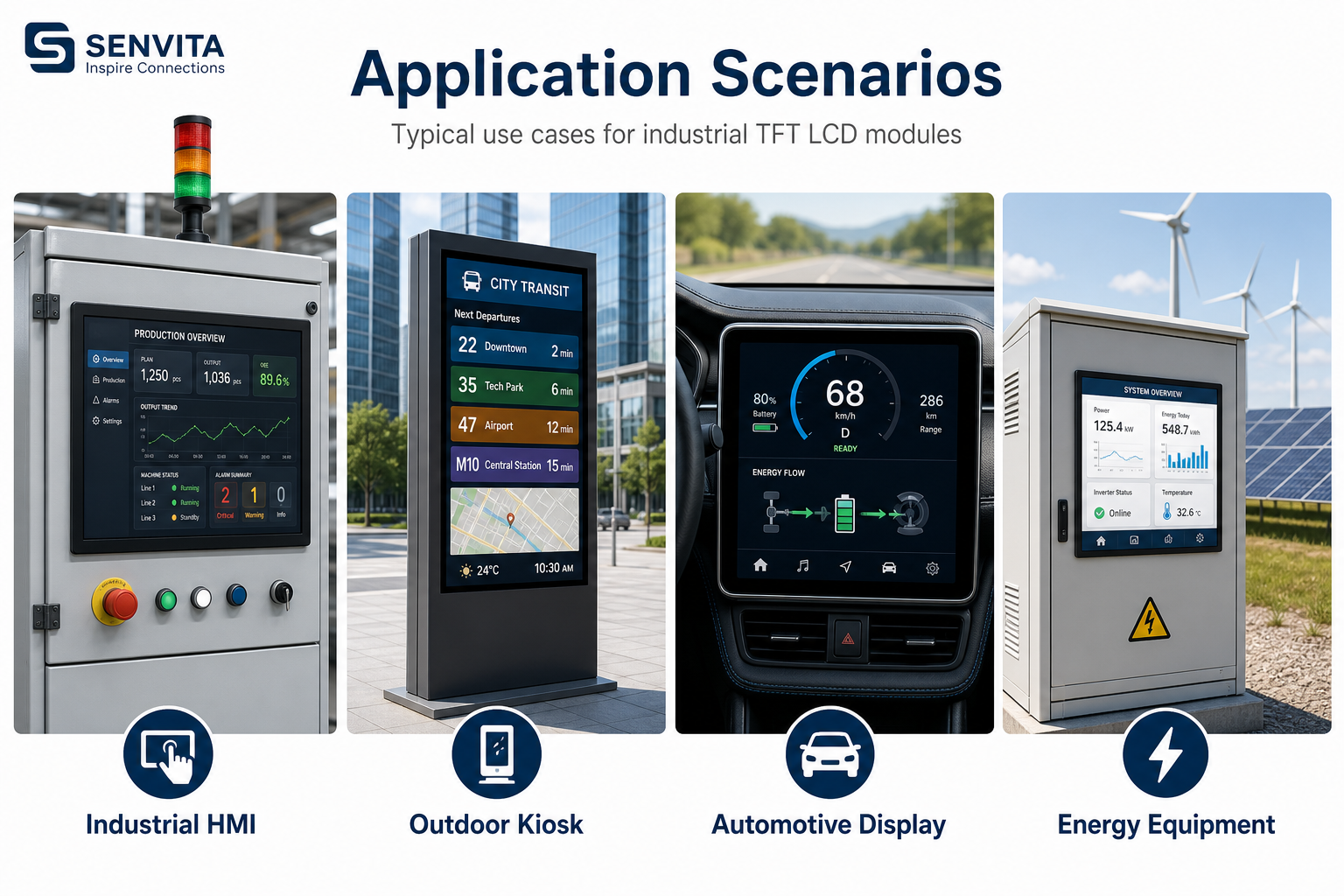
Display size and aspect ratio should be selected from the machine interface outward, not from the panel catalog inward. In industrial products, the screen must fit the enclosure, preserve the existing workflow, and leave enough room for buttons, alarms, and service information without forcing a software redesign.
Definition and selection boundary
Size refers to the active diagonal or active area, while aspect ratio defines the relationship between width and height. Together they affect pixel density, readability, content scaling, and how much vertical space remains for status lines and control widgets.
- Short-width enclosures often benefit from 4:3 or 5:4 legacy-friendly formats.
- Modern graphics-heavy HMIs may use 16:9, but only if the UI was designed for it.
- Rugged machines with fixed cutouts may need nonstandard dimensions to avoid mechanical redesign.
- Do not choose a larger screen if the software cannot preserve text size and touch target spacing.
Cause: The original design assumed a different aspect ratio and the graphics layer is scaling without layout control.
Solution: Rebuild the UI grid for the new ratio, or select a panel whose proportions match the software baseline.
Cause: The pixel density and physical viewing distance were not checked together.
Solution: Set minimum font and icon sizes from human factors first, then derive the screen size and resolution.
Cause: Custom glass, custom firmware scaling, and unusual mechanical tooling all appear at once.
Solution: Compare the total integration cost against a standard format before committing to a custom aspect ratio.
Size and aspect ratio also interact with the rest of the display stack. The Display Subsystem Architecture for HMI explains how resolution maps into the controller, while Wide-Temperature Industrial Display Design and High-Brightness TFT LCD Engineering show how readability changes with operating conditions.
Validation
Validate size and aspect ratio with paper overlays, CAD overlays, and a real UI prototype. Mechanical fit alone is not enough; the test must also check whether the operator can reach controls and read status text without excessive eye movement.
- Overlay the active area on the enclosure opening and confirm bezel margins.
- Check that key controls remain inside the comfortable touch zone.
- Review font sizes at the expected viewing distance.
- Test any automatic scaling path using the final resolution and color depth.
Once the format is fixed, map it back to the broader selection flow in the Industrial TFT LCD Selection Guide so the mechanical and software choices stay aligned.